To enable Local Delivery or In-Store Pickup, you must configure the settings in both Vinoshipper and Shopify.
Setting Up Local Delivery
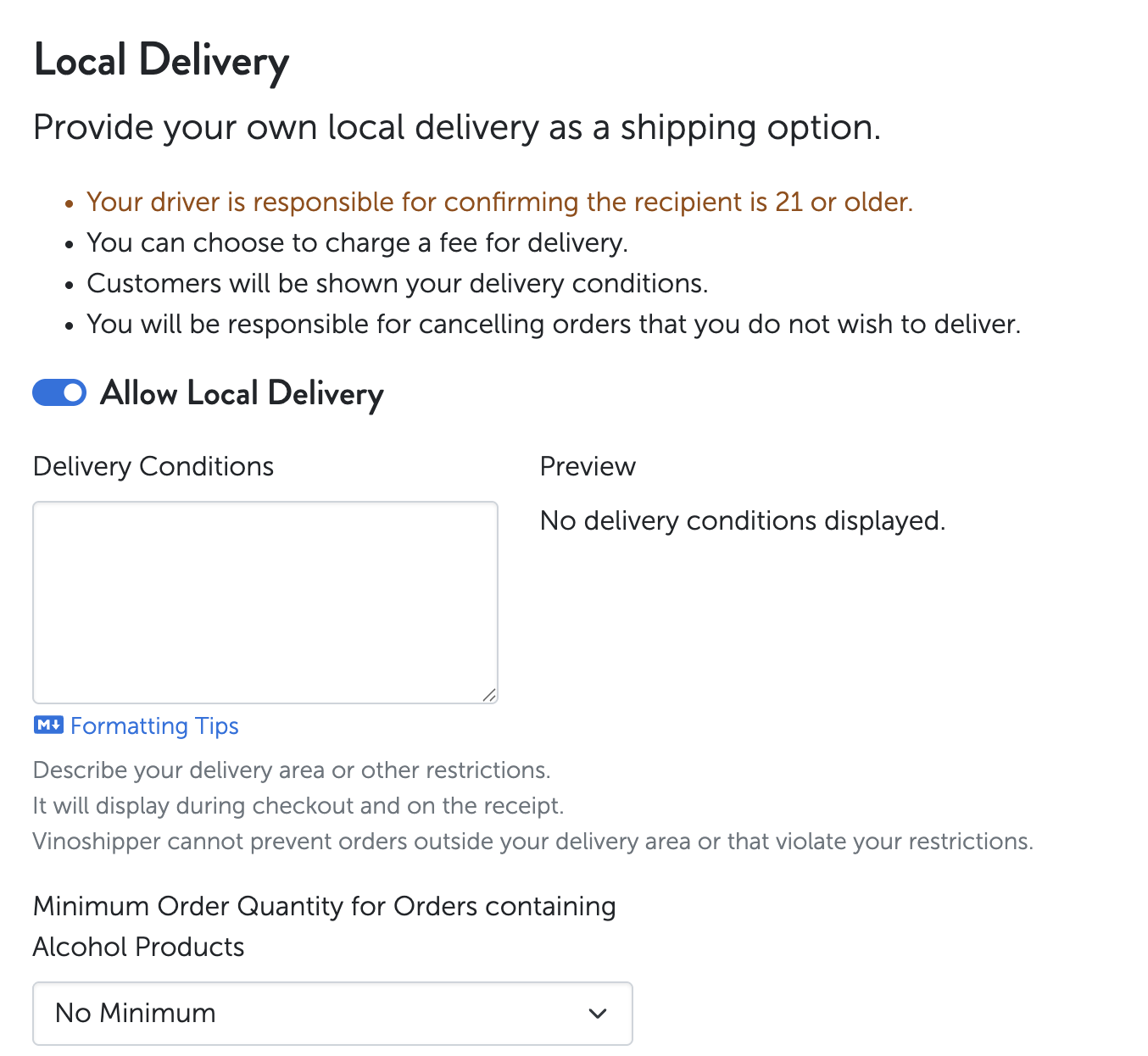
Step 1: Enable Local Delivery in Vinoshipper
Log in to Vinoshipper.
Click Products.
Select Shipping and Packaging.
Scroll to the Local Delivery section.
Enable Local Delivery.
Step 2: Enable Local Delivery in Shopify
Log in to Shopify.
Click Settings (bottom left corner).
Select Shipping and Delivery.
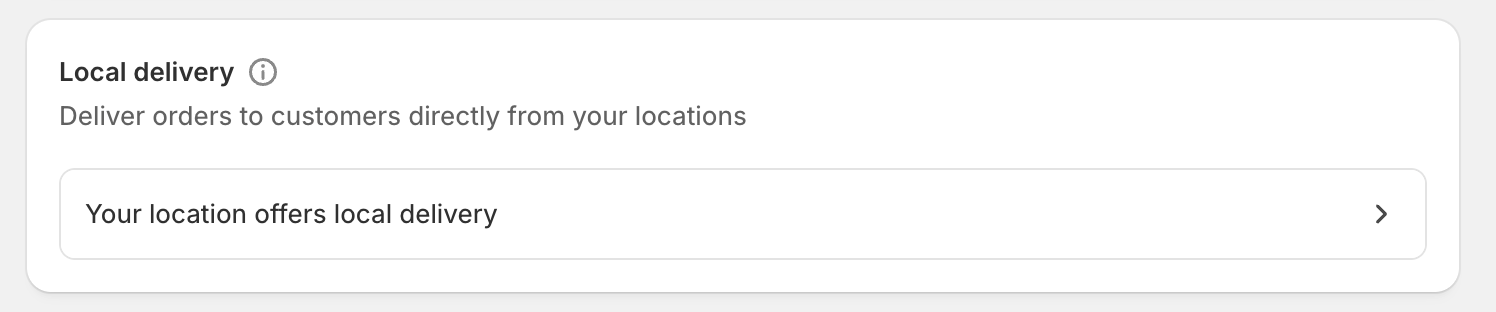
Scroll to the Local Delivery section.
Click Set up (or Manage).
Configure your delivery area, pricing, and delivery details.
Save your changes.
Setting Up In-Store Pickup
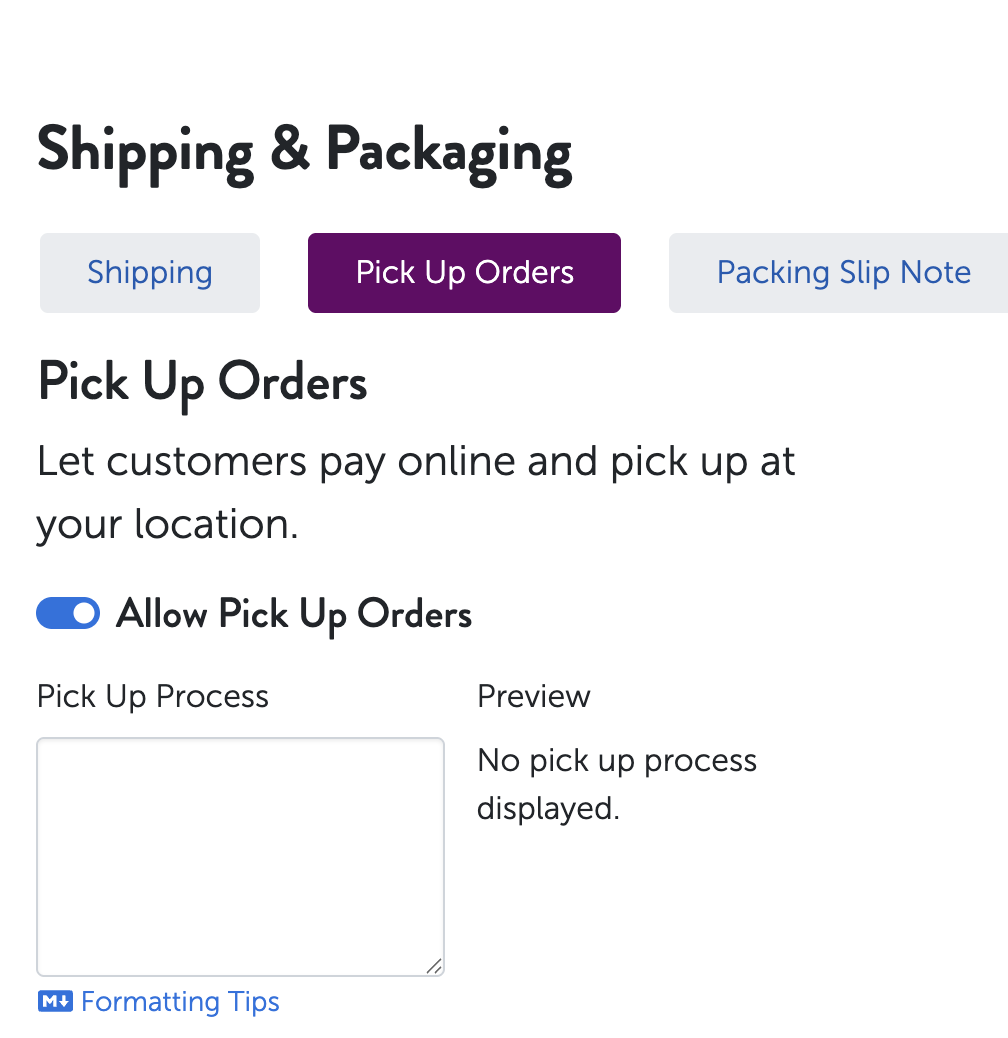
Step 1: Enable Pickup Orders in Vinoshipper
Log in to Vinoshipper.
Click Products.
Select Shipping and Packaging.
Click Pick Up Orders.
Configure your pickup order details.
Save your changes.
Step 2: Enable In-Store Pickup in Shopify
Log in to Shopify.
Click Settings.
Select Shipping and Delivery.
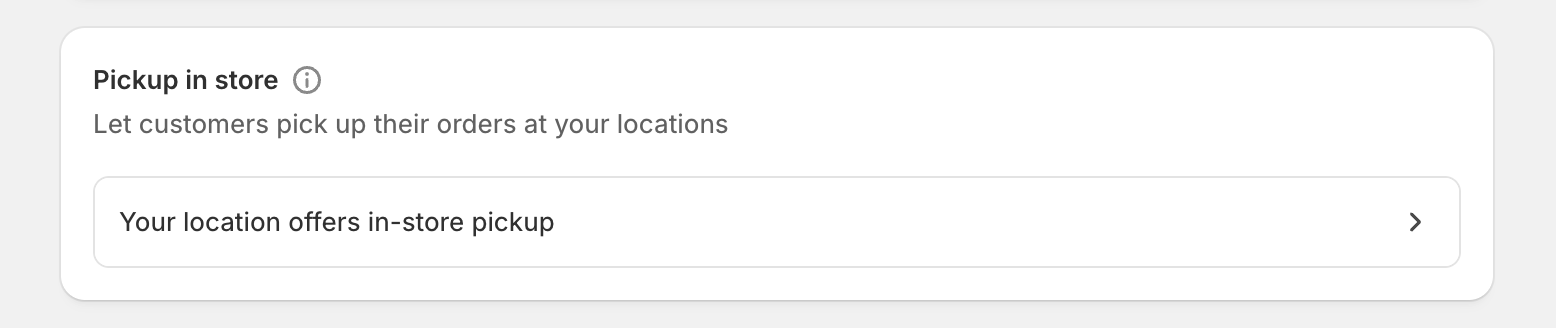
Scroll to the Local Pickup (Pick up in store) section.
Click Set up (or Manage).
Configure pickup hours, instructions, and notification settings.
Save your changes.
Important
Local Delivery and In-Store Pickup must be enabled in both Vinoshipper and Shopify for the options to appear correctly at checkout.
Was this article helpful?
That’s Great!
Thank you for your feedback
Sorry! We couldn't be helpful
Thank you for your feedback
Feedback sent
We appreciate your effort and will try to fix the article